
The Essential Online Courses That Made Me an App Developer
The exact courses that took me from zero to 500,000+ downloads
Quick Start Guide
If you're just beginning, start with iOS & Swift - The Complete iOS App Development Bootcamp and Figma UI UX Design Essentials. These two courses will give you 80% of what you need. The rest you can add as you grow.
From Flash Animator to Full-Time App Developer
Back in 2012, I was fascinated by creating interactive games and animated stories in Flash. When apps started becoming popular and self-publishing became possible, I knew I had to learn this new platform.
I enrolled in a Mobile Application Development course at Aarhus University in Herning, Denmark. They loaned me a MacBook, and that's where my iOS development journey truly began. To supplement my university coursework, I took my first Udemy course in Objective-C.
For my final exam, we had to build an app. I chose to create a spirit level app with sound – something that would challenge me to work with hardware sensors. That app, Spirit Level X, is still on the App Store today and has been downloaded over 105,000 times. It's earned well through banner and interstitial ads.
My second app, Plank Challenge 4 Minutes, has been downloaded over 127,000 times on the App Store and is also available on Google Play.
One of my most successful apps, Calculator 3D, has achieved over 17,900 downloads with 22.3 million impressions on the App Store.
Today, I have 70+ apps on the App Store and several on Google Play, with over 500,000 total downloads. My dream of creating interactive stories and games continues at full speed – now enhanced by AI tools that help with development, translation, and more.
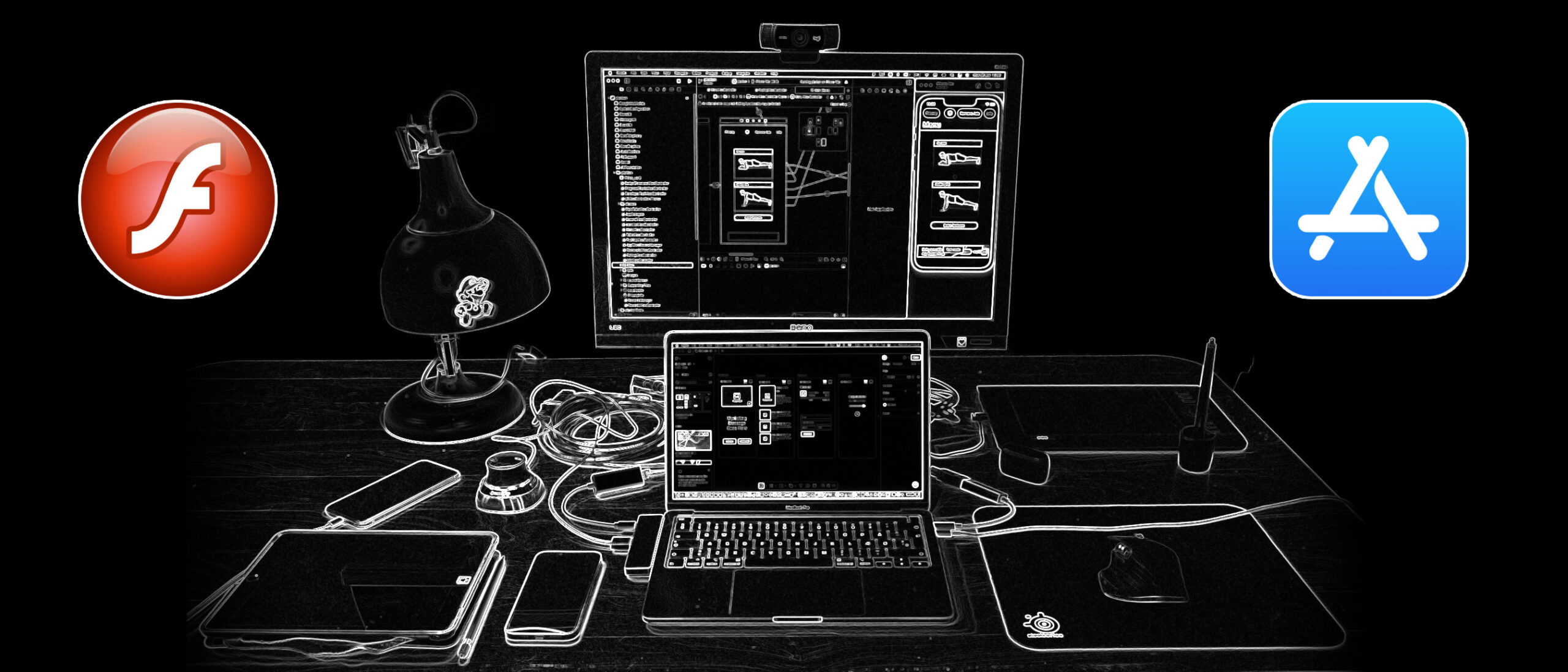
My Development Setup
Before diving into the courses, here's what I use daily:
- MacBook Pro – My primary development machine
- Xcode – For iOS development
- Figma – For UI prototypes and design mockups
- Affinity Photo & Affinity Designer – For icons, onboarding graphics, and screenshots (affordable Adobe alternatives)
- Apple's Icon Composer – Recently started using this for new icons with Liquid Glass Effects
- Android Studio – For Android development
- Unity – For game development
Why Online Courses Still Matter
I've worked as an app development instructor for a private company, taught block programming with App Inventor and Scratch, worked as an Interactive Play Designer at LEGO, and taught Computer Science at a high school for 5 years.
Despite this experience, I still take online courses regularly. Technology moves fast, and there's always something new to learn. Online courses from Udemy, LinkedIn Learning, and Domestika have been essential to staying current.
But here's the key: You don't need to take every course out there. I've taken many courses over 12 years, but if I were starting today, I'd focus on just 5-8 core courses and build from there.
The 5 Essential Courses (Start Here)
If you're serious about app development, these are the courses I'd recommend you start with. They cover the fundamentals and will get you building real apps quickly.
1. iOS & Swift - The Complete iOS App Development Bootcamp
Platform: Udemy
What I learned: This is the most comprehensive iOS course available. It covers everything from Swift basics to advanced iOS features, perfect for building production-ready apps. This course alone could get you from zero to App Store.
Best for: Anyone serious about iOS development, whether you're starting from scratch or updating to modern Swift.
My result: This course helped me transition from Objective-C to modern Swift development across all my apps.
Time investment: 50+ hours
View Course on Udemy →2. Figma UI UX Design Essentials
Platform: Udemy
What I learned: Modern UI/UX design in Figma, which I now use for all my app prototypes. Learning design fundamentals improved my apps dramatically – they look professional instead of "developer-designed."
Best for: Developers who want to design better interfaces and understand the full design workflow.
My result: Now I prototype all my apps in Figma before writing any code – saving huge amounts of development time and creating better user experiences.
Time investment: 10-15 hours
View Course on Udemy →3. Complete C# Unity 2D Game Development (Updated To Unity 6)
Platform: Udemy
What I learned: How to build 2D games in Unity using C#. This reignited my passion for game development from my Flash days. Unity lets you build once and deploy to iOS, Android, and more.
Best for: Developers wanting to create games across multiple platforms, or anyone who loved Flash and wants to continue that creative work.
My result: Built multiple successful game apps that work on both iOS and Android from a single codebase.
Time investment: 30+ hours
View Course on Udemy →4. Android Java Masterclass - Become an App Developer
Platform: Udemy
What I learned: Deep dive into Java for Android, covering everything from basics to advanced concepts. Android is half the mobile market – you can't ignore it.
Best for: iOS developers wanting to reach Android users and double their potential market.
My result: Successfully ported several of my iOS apps to Android, including Plank Challenge, which has over 127,000 combined downloads.
Time investment: 40+ hours
View Course on Udemy →5. Pixel Art for Video Games
Platform: Udemy
What I learned: How to create pixel art assets for games. This skill has saved me thousands in asset costs and lets me bring my creative visions to life without waiting for designers.
Best for: Indie developers who want to create their own game art and maintain complete creative control.
My result: Created all the art for multiple successful game apps, keeping costs low and iteration speed high.
Time investment: 12-15 hours
View Course on Udemy →My Honest Recommendation: Where to Start
Don't try to take all these courses at once. Here's my recommended path based on your goals:
For iOS-Only Developers (Start Here):
- Take iOS & Swift Bootcamp (2-3 months while building your first app)
- Add Figma Essentials (1 week, practice while designing your app)
- Build and ship 2-3 apps before taking more courses
For Game Developers:
- Start with Unity 2D Game Development
- Add Pixel Art to create your own assets
- Build your first game before expanding to 3D or other platforms
For Cross-Platform Developers:
- Master iOS with the Swift Bootcamp first
- Build and ship one iOS app to understand the full process
- Then take Android Java Masterclass
- Port your iOS app to Android to practice
Most important: Build while you learn. Don't just watch courses – pause the video, code along, and create your own projects. My 500,000+ downloads came from shipping apps, not from collecting certificates.
What I'd Skip (To Save You Time and Money)
I've wasted money on courses that didn't deliver. Here's what I'd avoid:
- Outdated iOS courses – Anything teaching Swift 4 or earlier is too old. iOS has changed significantly.
- Ultra-specialized courses too early – Don't learn advanced topics like Metal or CoreML until you've shipped several apps.
- Courses promising "Get Rich Quick" – App development is a real career, not a get-rich-quick scheme. Avoid courses that promise overnight success.
- Sketch-based design courses – Sketch has been surpassed by Figma. Learn Figma instead.
The Results: 12 Years Later
These courses, combined with consistent practice and shipping real apps, led to:
- 70+ apps published on the App Store
- 500,000+ total downloads
- Calculator 3D: 17,900 downloads with 22.3 million impressions
- Spirit Level X: 105,000+ downloads
- Plank Challenge: 127,000+ downloads
- Positions at LEGO and as a high school Computer Science teacher
- Teaching experience helping others learn app development
- A sustainable, enjoyable career doing what I love
The key insight: Online courses work, but only if you build real apps while learning. Don't collect courses – ship apps. Start with one or two courses, build something real, and add skills as you need them.
Your first app won't be perfect. My first app was a simple spirit level with sound for a university exam. But I shipped it, learned from it, and built on that foundation. That app has now been downloaded 105,000+ times and still earns money today.
Disclosure: This article contains affiliate links to courses I've personally taken and recommend. If you purchase through these links, I may earn a small commission at no extra cost to you, which helps me continue creating free content about app development. I only recommend courses I've actually completed and found valuable in my own journey to 500,000+ downloads.